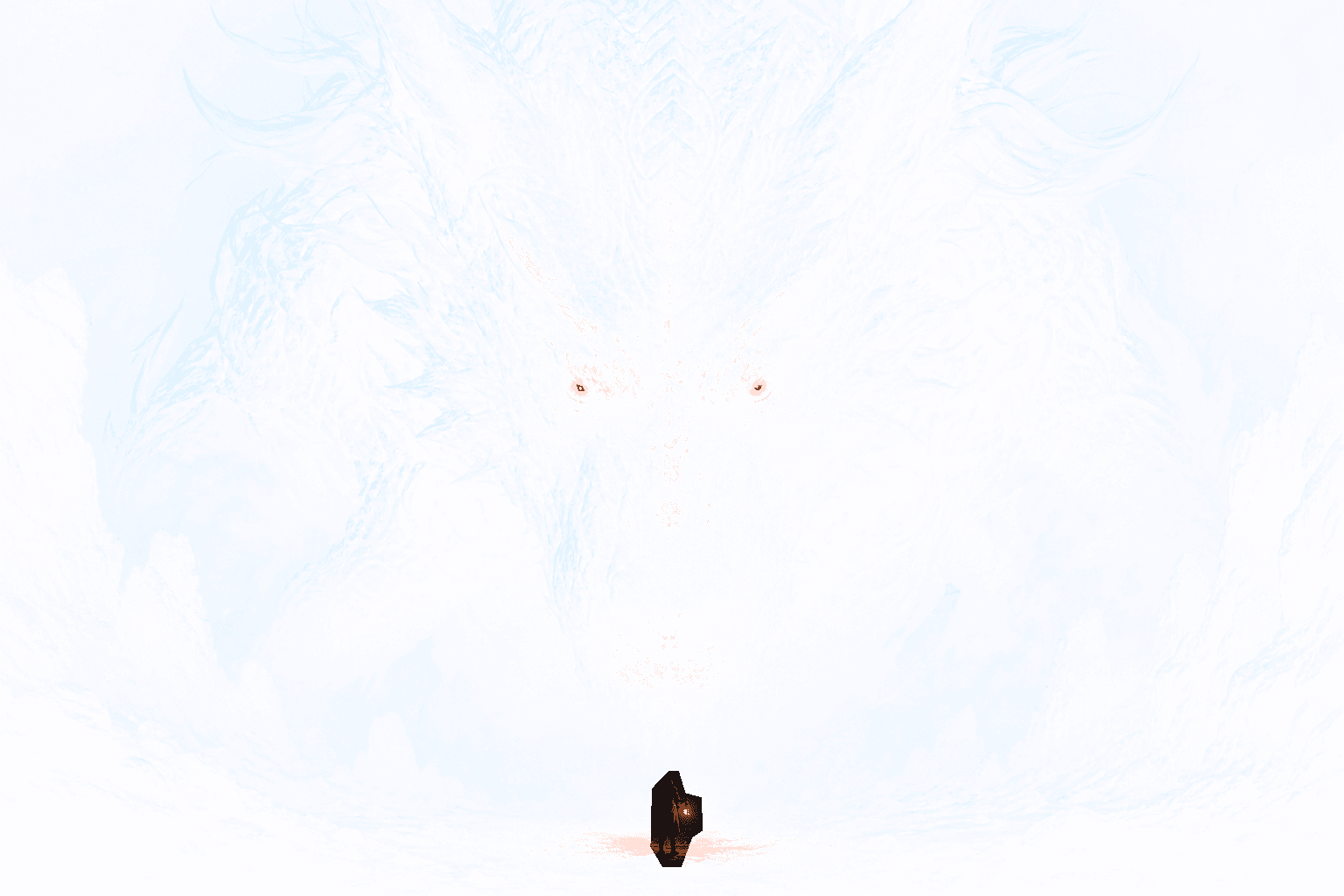
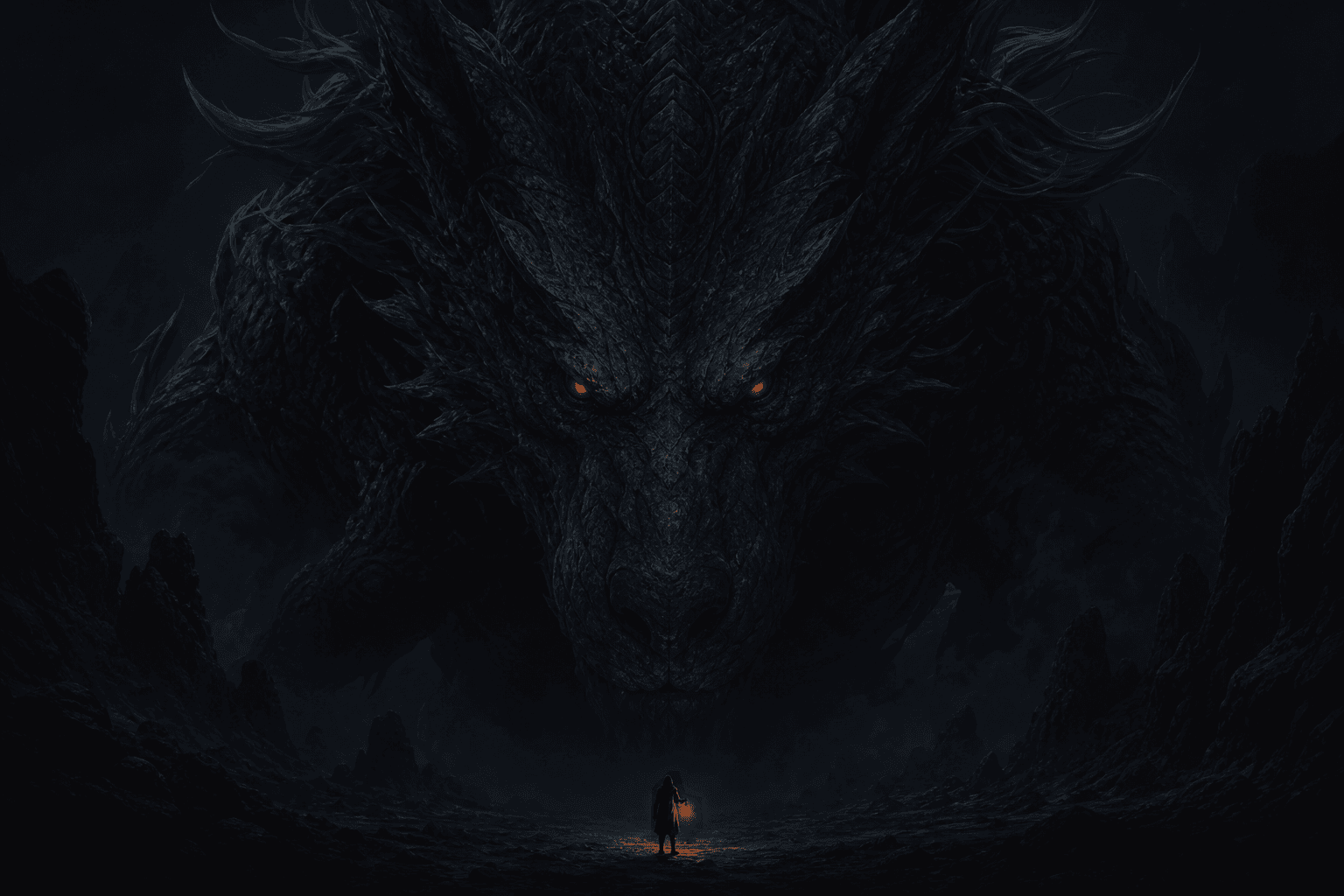
Choose one visual payoff
Hide an alternate expression, a second character, a glowing object, a caption, or one background event. Keep the main face or silhouette visible so the timeline version still looks intentional.
Avoid masking every decorative detail. A focused reveal is easier to understand and gives the viewer one clear reason to press or expand the image.
Protect line art and facial edges
Use a smaller brush with higher hardness around eyes, hair, mouths, and costume edges. Switch to the eraser when the red mask crosses an important line.
Check the result at feed size. Perfect edges at full zoom are less important than a readable expression and a clear difference between the two preview states.
Start with the Anime Reveal preset
The Anime Reveal template increases contrast and saturation while keeping the workflow local. It is designed as a starting point for colorful illustrations and AI-generated art.
Lower saturation if skin tones become too intense. Increase reveal strength if the hidden detail remains obvious in the timeline preview, and reduce blur when line work starts to soften.
Publish without flattening transparency
Download the generated PNG and avoid apps that convert it to JPG. Test the original file in a low-risk X post before publishing an important commission, character announcement, or art event.
Use a short caption such as “long press for the alternate version.” Credit artists and model workflows where appropriate, and make sure you have permission to publish the source image.