Upload your image
Upload a JPG, PNG, or WebP up to 10 MB. RevealStudio processes it locally in your browser.
Free X Hidden Image Maker
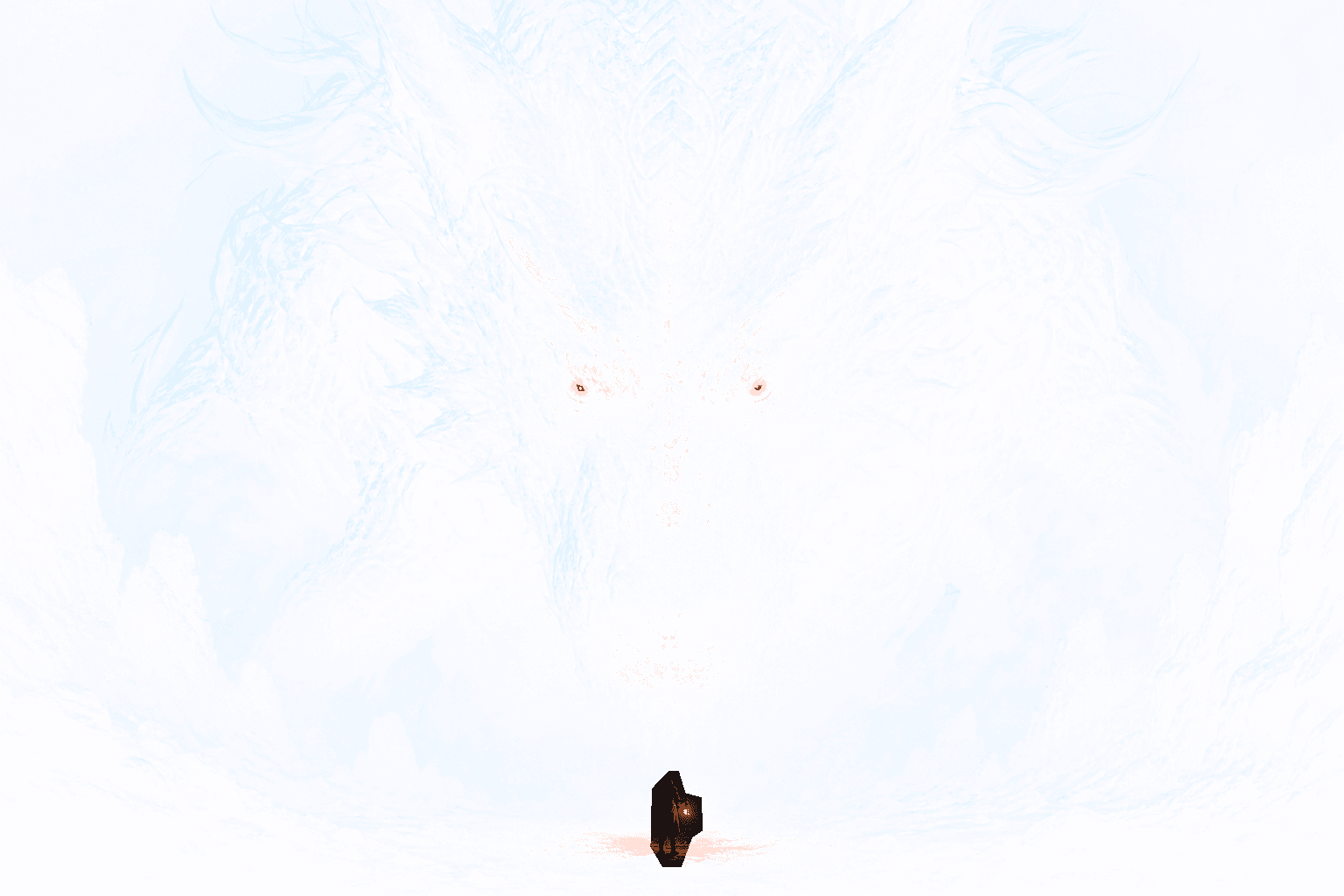
Create the hidden-image effect trending on X (Twitter). Choose what remains visible in the timeline, reveal the complete image after a tap or long press, and export a transparent PNG8 ready to post.

How it works
Upload a JPG, PNG, or WebP up to 10 MB. RevealStudio processes it locally in your browser.
Paint the subject that should remain visible in the X timeline, then compare the hidden and expanded states.
Preview both states, download the transparent PNG8, and upload the exact file from desktop x.com.
Compare what people see in the X timeline with the complete image revealed after a tap or long press.
Create, validate, and troubleshoot transparent PNG reveal images for X with these working tools and guides.
Follow the upload, masking, X preview, PNG8 export, and posting workflow.
Open page +Working toolConfirm that your exported PNG8 still contains the transparency required by the X reveal effect.
Open page +TroubleshootingCheck the PNG8 format, alpha channel, file size, upload method, and X rendering.
Open page +The file format and the final X upload path matter as much as the design itself.
It is a transparent PNG prepared so the X timeline shows a clue or faint first state and the expanded view reveals the complete image. The final effect depends on how X processes the uploaded file.
Yes. RevealStudio is free to use, requires no account, and adds no watermark to the exported PNG.
No. Uploading, masking, previewing, and PNG8 export happen locally in your browser. Your source image is not sent to an image-processing server.
The reveal relies on transparency. Converting the file to JPEG, taking a screenshot, or passing it through an app that flattens alpha can destroy the effect.
X may resize, compress, crop, or display the picture differently across devices. Keep the original PNG8 and test the published post before using it for an important campaign.
Ready to post on X?