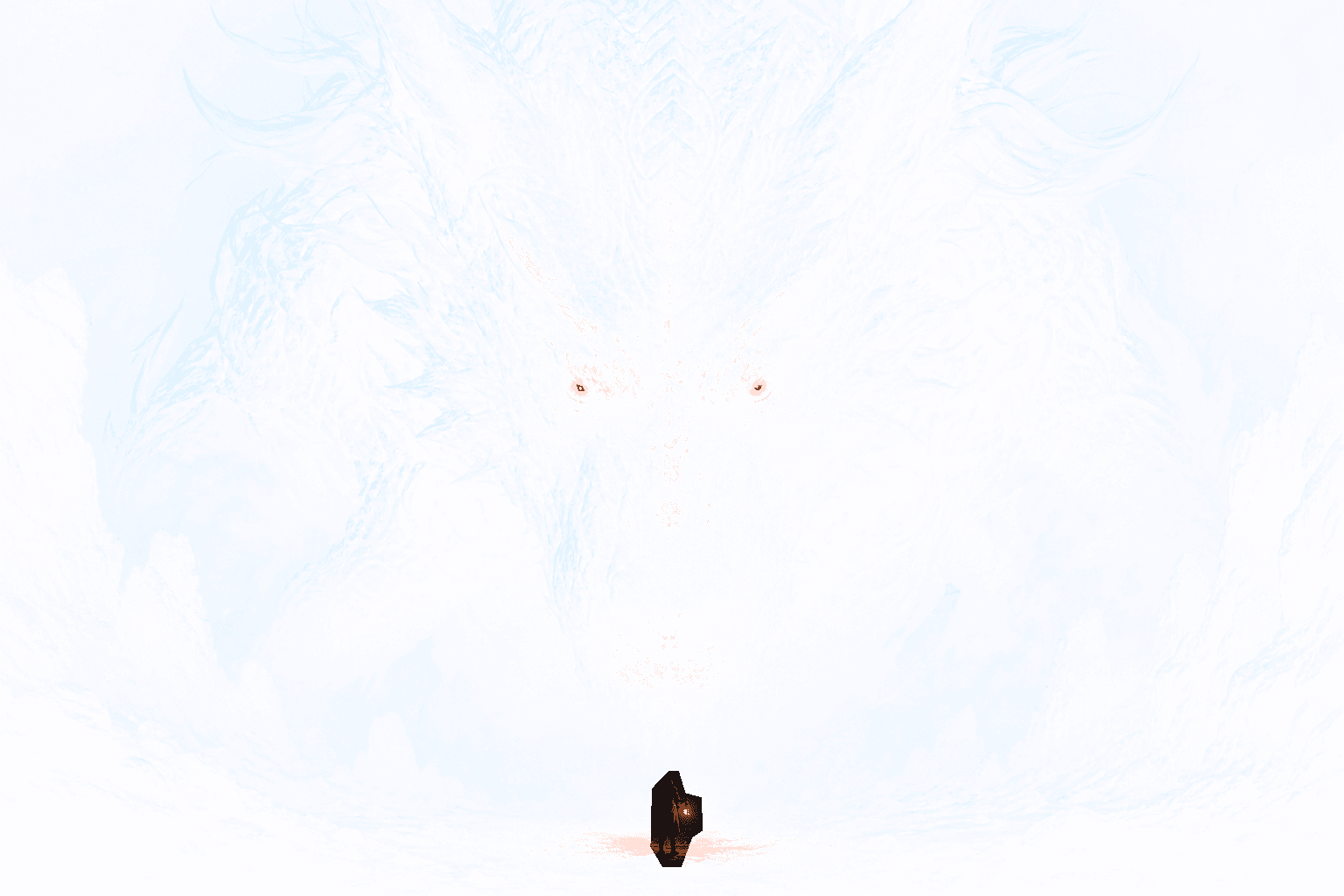
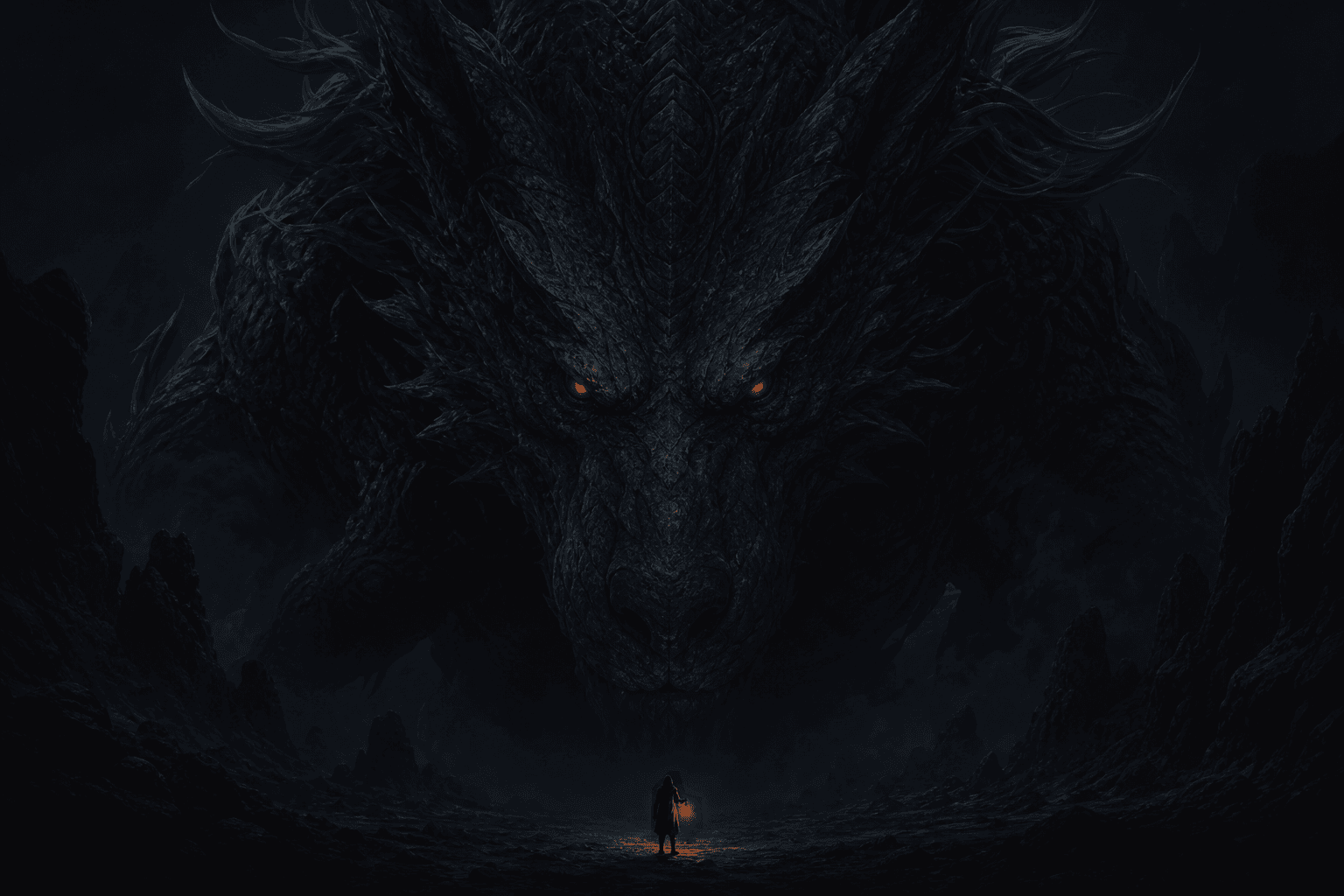
A tap and hold image has two viewing states
A tap and hold image is one file designed to create a noticeable difference between casual feed viewing and a more deliberate interaction. The first state is the version a person notices while scrolling. The second state appears clearer or more complete after the image is pressed, expanded, opened, or rendered against another background.
It is not an animation and does not contain hidden video frames. The effect comes from how transparent and visible pixels interact with preview surfaces, image resizing, background colors, and platform rendering. RevealStudio controls the source PNG and its alpha channel. X or another social platform still controls the final feed presentation.
Why transparent PNG is important
PNG can store an alpha value for every pixel. Alpha describes whether a pixel is opaque, partly transparent, or fully transparent. A reveal image uses that information to remove or soften selected regions while preserving the rest of the source image. JPG cannot store alpha, so converting the result to JPG removes the technical foundation of this workflow.
Transparency alone does not guarantee a successful reveal. The visible composition, hidden region, platform background, preview size, and compression all matter. A well-prepared PNG gives the platform useful pixel information, but creators still need to test whether the final post produces a clear difference on the devices their audience uses.
How the visible and hidden regions are prepared
The creator starts with a complete source image and decides which part should become the payoff. A manual mask marks that region. During export, the mask changes the alpha values of selected pixels. Unmasked pixels remain visible, while masked pixels become partly or fully transparent according to the selected reveal strength.
Manual masking gives more control than automatic background removal. A creator can hide an expression without removing the face, conceal one product feature without cutting out the whole product, or soften a punchline while keeping the setup readable. Brush size, hardness, eraser corrections, reverse selection, and undo help shape the boundary.
Why the format encourages interaction
The interaction cost is small. A viewer does not need to leave the post, open a website, or watch a long clip. A short caption can ask for one action, and the image provides the reward immediately. This makes the format useful for art variants, memes, spoilers, before-and-after comparisons, and compact product teasers.
Curiosity only works when the first state is coherent. If the timeline version appears empty or corrupted, viewers may ignore it. Strong reveal images leave enough context to explain the subject while holding back one meaningful detail. The second state should complete the idea instead of showing unrelated content.
Common creative uses
Illustrators can hide an alternate expression, costume, character, lighting effect, or background event. Meme creators can conceal the punchline while leaving the setup visible. Fandom accounts can warn about a spoiler and place the plot detail in the revealed area. These uses fit the format because the hidden detail changes how the visible image is understood.
Product teams can show a before state, then reveal a redesign, feature, color, code, or result. The product name and essential value should remain available outside the effect because platform rendering may vary. A reveal image works best as an attention format within a broader post, thread, or launch page.
What the effect cannot guarantee
No image maker controls how X will process every upload in the future. Platforms can resize files, change background treatments, flatten transparency, alter crops, or display different previews across mobile and desktop. A browser preview can help identify composition problems, but it cannot promise identical output after a platform update.
For important posts, keep the original PNG and publish a low-risk test first. Check the result on more than one device if the reveal is central to a campaign. If the difference is weak, return to the editor, simplify the hidden area, increase reveal strength or contrast, and export a new master file.
Privacy and responsible publishing
RevealStudio processes source images with Canvas in the browser and does not upload the original file by default. This local-first approach is useful for unreleased artwork, product drafts, and private experiments. Anonymous feature events can be counted without including image pixels or the content of the creator’s work.
Creators remain responsible for the images they publish. Use content you have permission to edit and share. Give clear warnings for spoilers or sensitive material, and do not use the interaction to hide essential disclosures or misleading claims. The reveal should reward informed curiosity, not remove meaningful context.